Professional quotes, without the spreadsheet.
One price book for the whole team. Accurate, on-brand quotes, renewals and POs in seconds, all in one place, with a discount approval process built in.
Free for one user, no card needed. Team plans are coming soon.
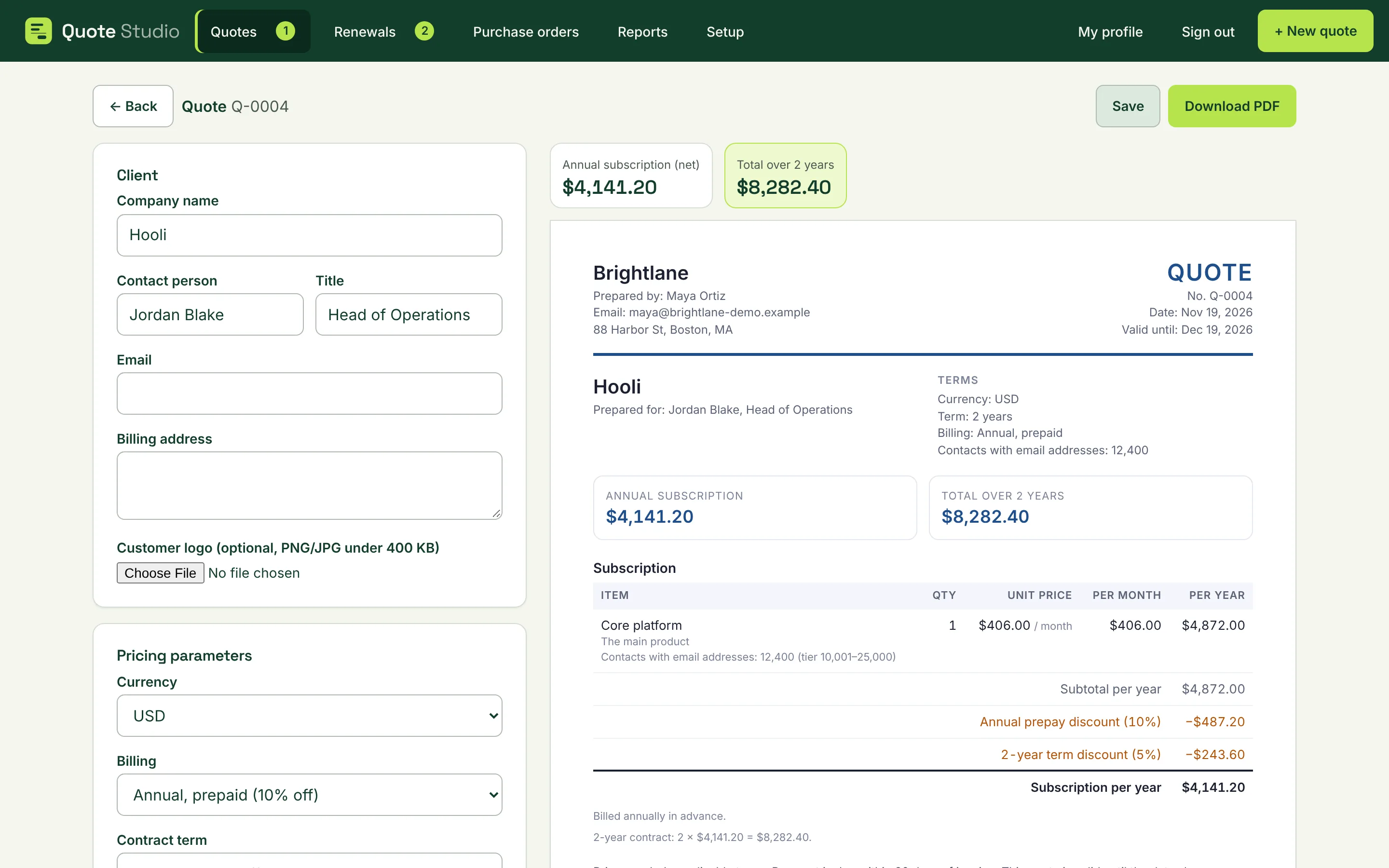
Spend your time selling, not calculating prices and formatting spreadsheets.
Quote Studio replaces the price sheet, the Word template and the approval email chain with one place your whole team works from.
Unified pricing
Everyone quotes from the same price book. No outdated sheets, no guesswork.
Quotes in seconds
Pick the customer, size and term. The maths and the formatting are done for you.
All documents in one place
Quotes, renewals and purchase orders, always the latest version, for the whole team.
Approvals built in
Big discounts reach a manager before they reach the customer.
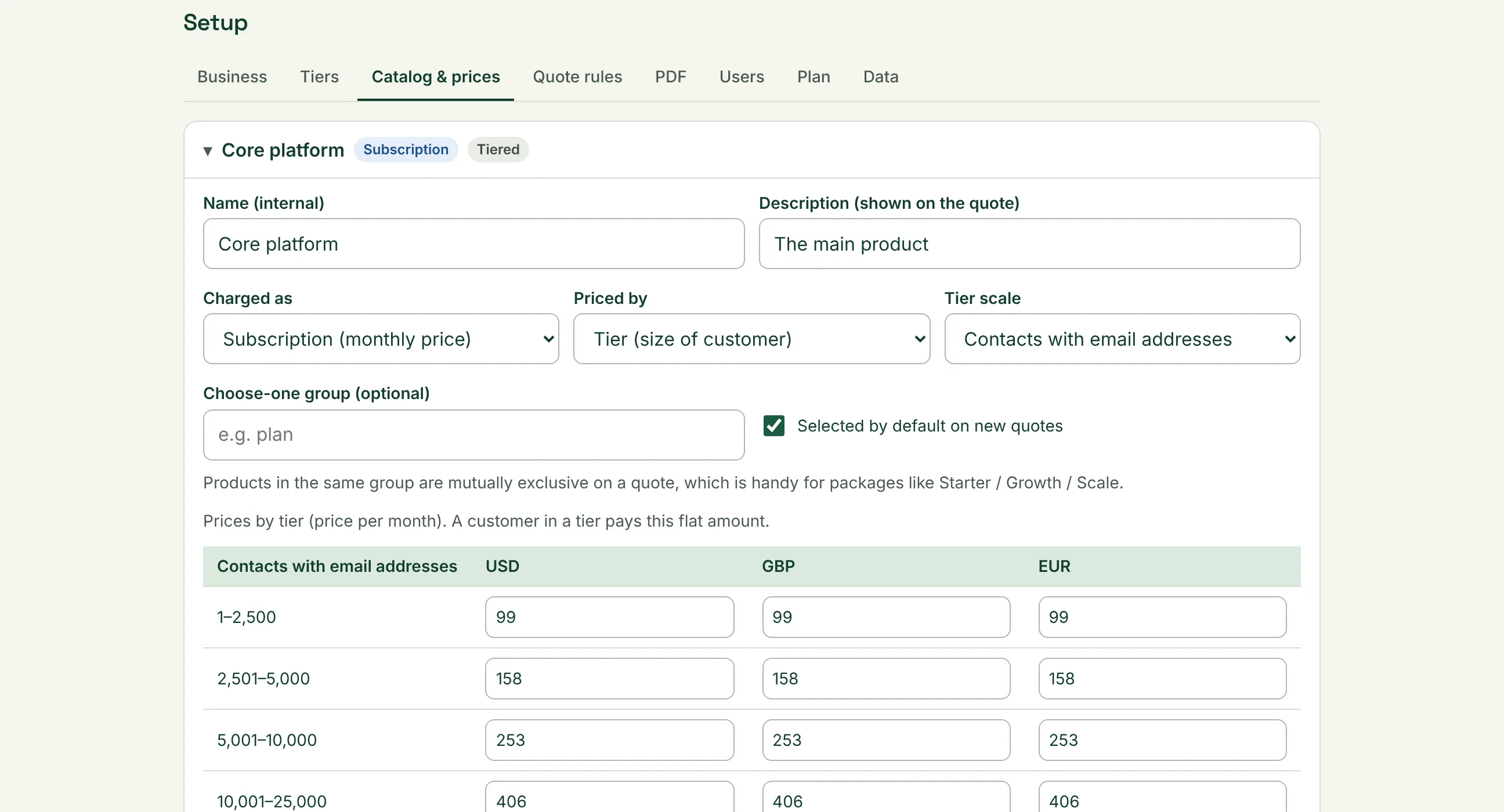
One price book, accurate quotes
Set up your products and rules once. Every quote your team sends uses today’s prices and your discount rules.
- Tiered, per-user and flat pricing
- Term and prepay discounts applied automatically
- Only Admins can change prices
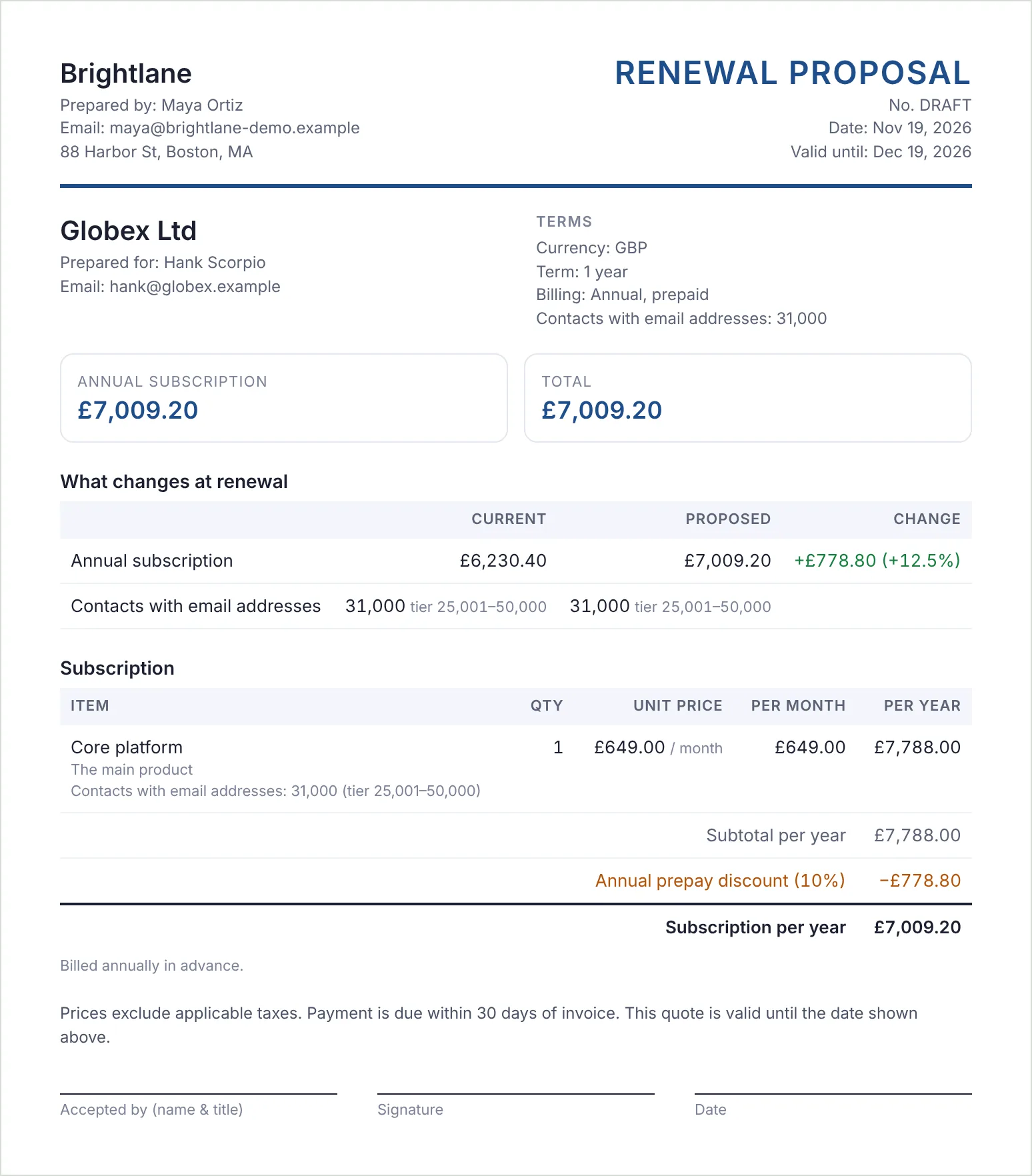
From blank page to polished PDF in minutes.
See the finished document while you build it. Download it with your logo and colours, ready to send.
- Live preview as you type
- Renewals at today’s prices, with the change shown
- English, Spanish and French
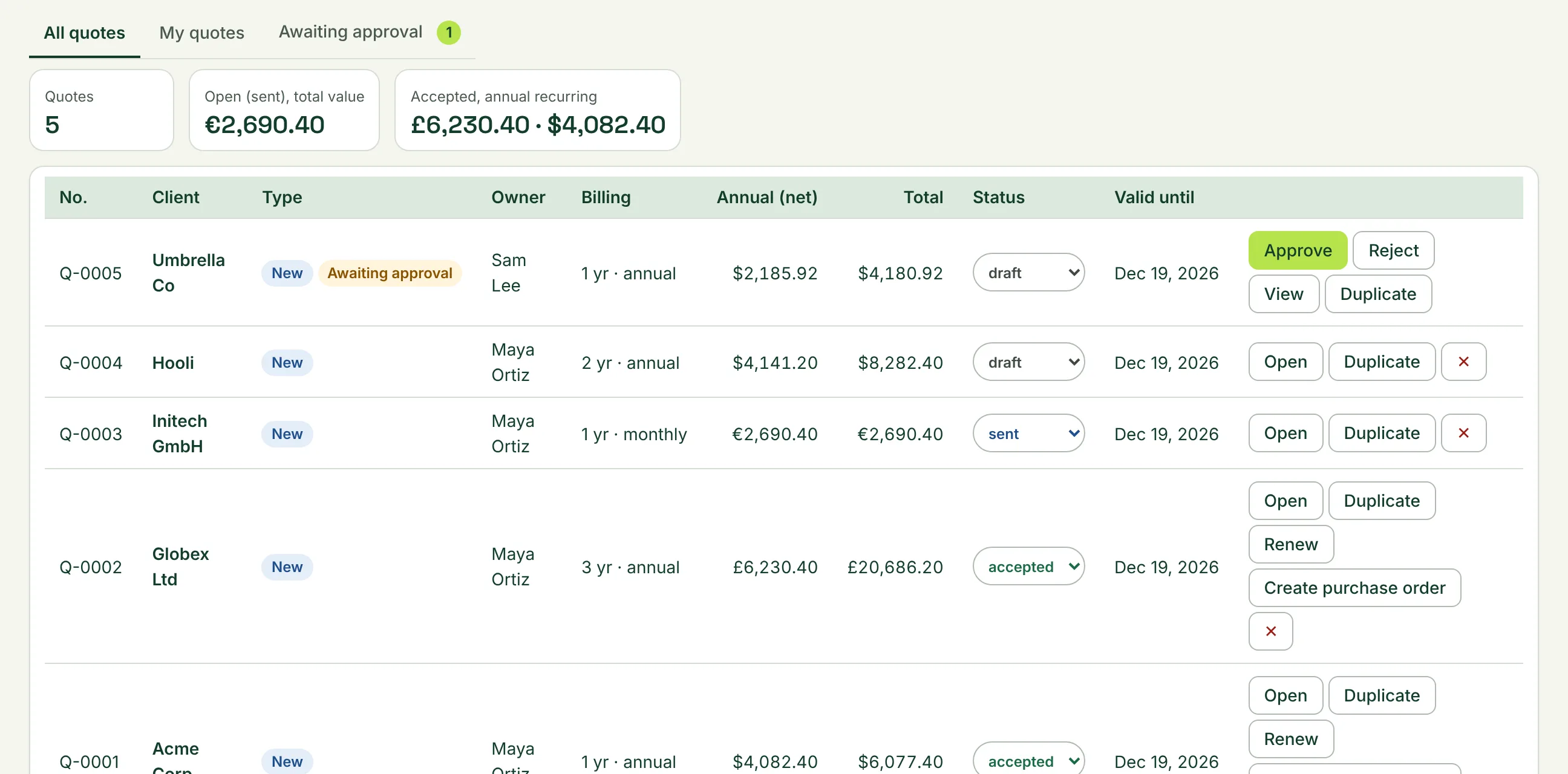
Every quote, renewal and purchase order, together.
No more digging through folders and inboxes. See what’s open, what’s accepted and what’s up for renewal.
- Turn accepted quotes into purchase orders
- Renewals listed by date, ready to renew
- Reports on what your team quoted
Approvals without the email chains.
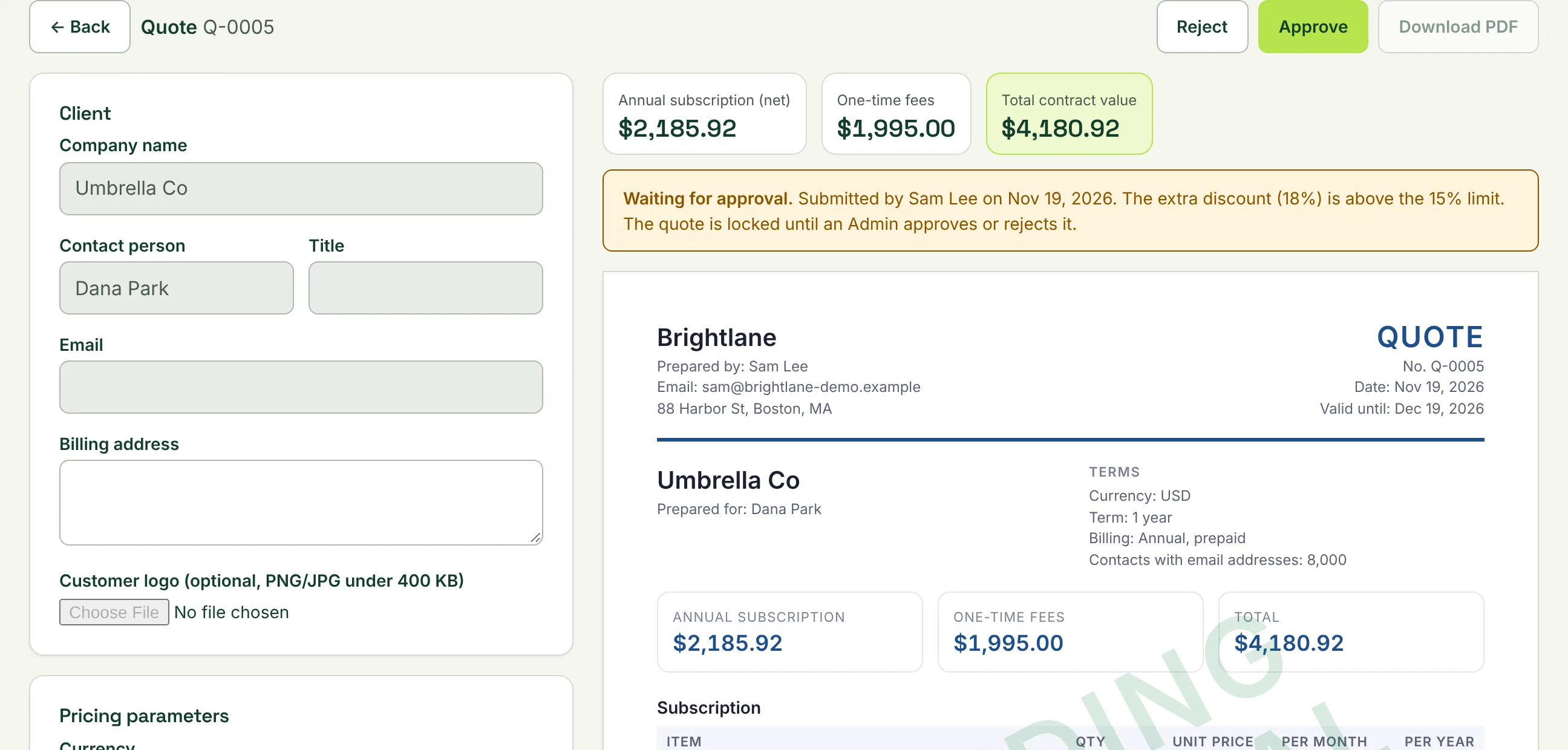
Decide when a discount needs a second pair of eyes. The quote can’t go out until an Admin approves it.
- Set your own discount limit
- Approve or reject with a note
- Changed after approval? It goes back for review
Make the next quote the easy part.
Sign up with your work email. Free for one user, no card needed.